 Sentrly
Native OS readers (Apple Preview, Microsoft Edge)
Best already-installedRead, annotate, fill forms, sign — all without installing third-party software.
Pros
- Free
- Already there
- No data sent anywhere
Cons
- Light on advanced features
- Editing is limited
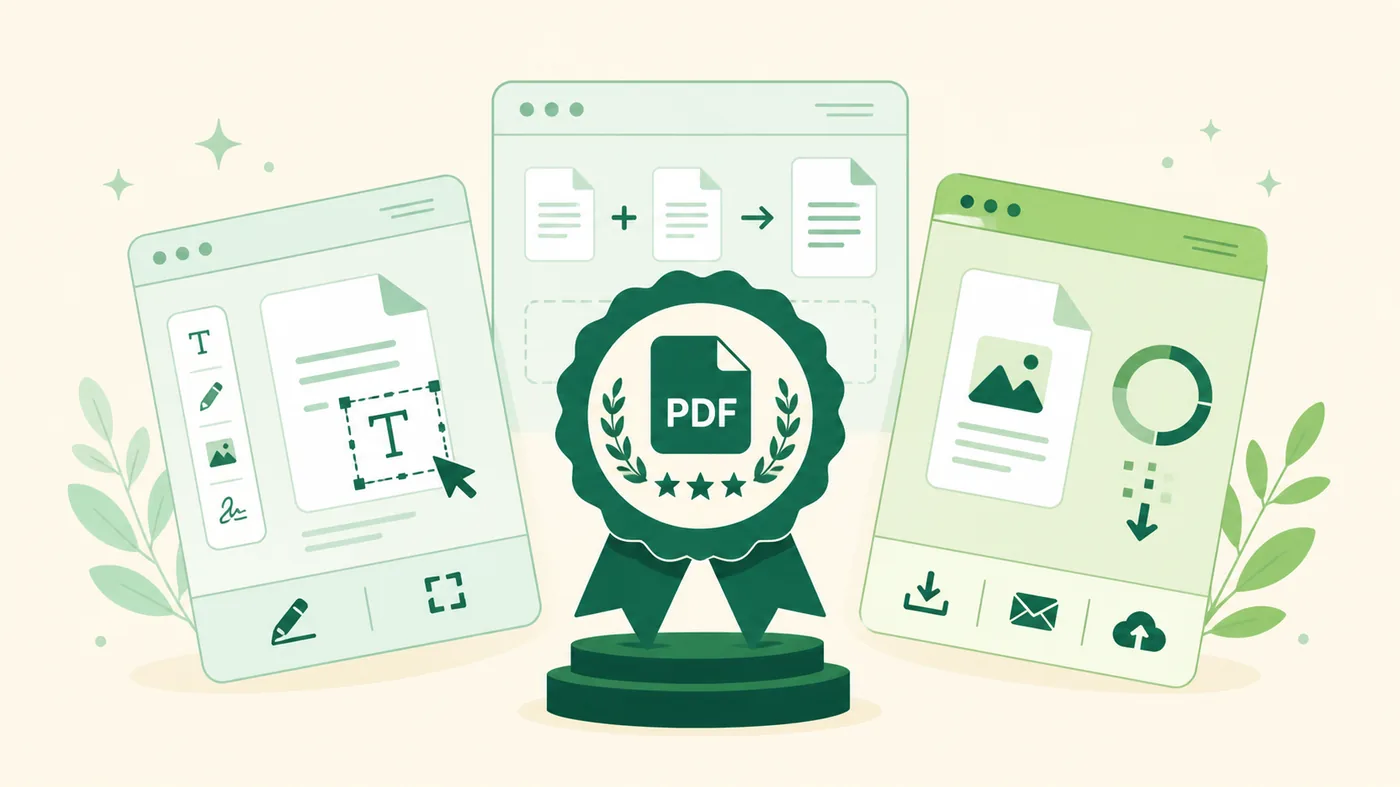
PDF readers, editors, and converters — desktop, web, and privacy-respecting picks.
 Updated regularly · review methodology applied
PDFs feel boring until you need to do something they don't make easy. These picks cover reading, signing, editing, and combining PDFs.
Read, annotate, fill forms, sign — all without installing third-party software.
The original. Most capable for editing complex PDFs and managing form workflows.
Lighter, often cheaper alternatives with most of Acrobat's editing features.
Free desktop tools for combining, splitting, compressing PDFs. Run offline if you choose.
Open-source command-line tools for PDF manipulation in scripts and pipelines.
If a PDF contains sensitive data, prefer offline tools — many web-based 'free PDF' services upload your file. Check the privacy policy of any web tool before pasting in a contract.
Many are; some aren't. For sensitive PDFs, use a desktop tool that processes files locally.
You'll need OCR first. Modern desktop tools include OCR; tesseract is the open-source option.
AI assistants, image generators, transcription, code copilots — picks for everyday work.
Best ToolsWhat to look for in a VPN, and the categories worth shortlisting from.
Best ToolsCategories of password manager that earn a shortlist spot for personal and team use.
Best ToolsCloud storage by use-case — pick by ecosystem, privacy, or price-per-TB.
Best ToolsBuilders for marketing sites, blogs, portfolios, and small commerce.
Best ToolsWeb hosting categories worth knowing — managed, VPS, and cloud platforms.
Best ToolsTo-do lists, calendars, focus apps, and writing tools that actually move the needle.
Best ToolsEditors for short-form, long-form, and pro work — desktop and mobile.
Best ToolsPhoto editors from quick mobile fixes to full RAW workflows.
Best ToolsSEO platforms, free analyzers, and rank trackers worth knowing.
Best ToolsBuild apps, sites, and automations without writing code.