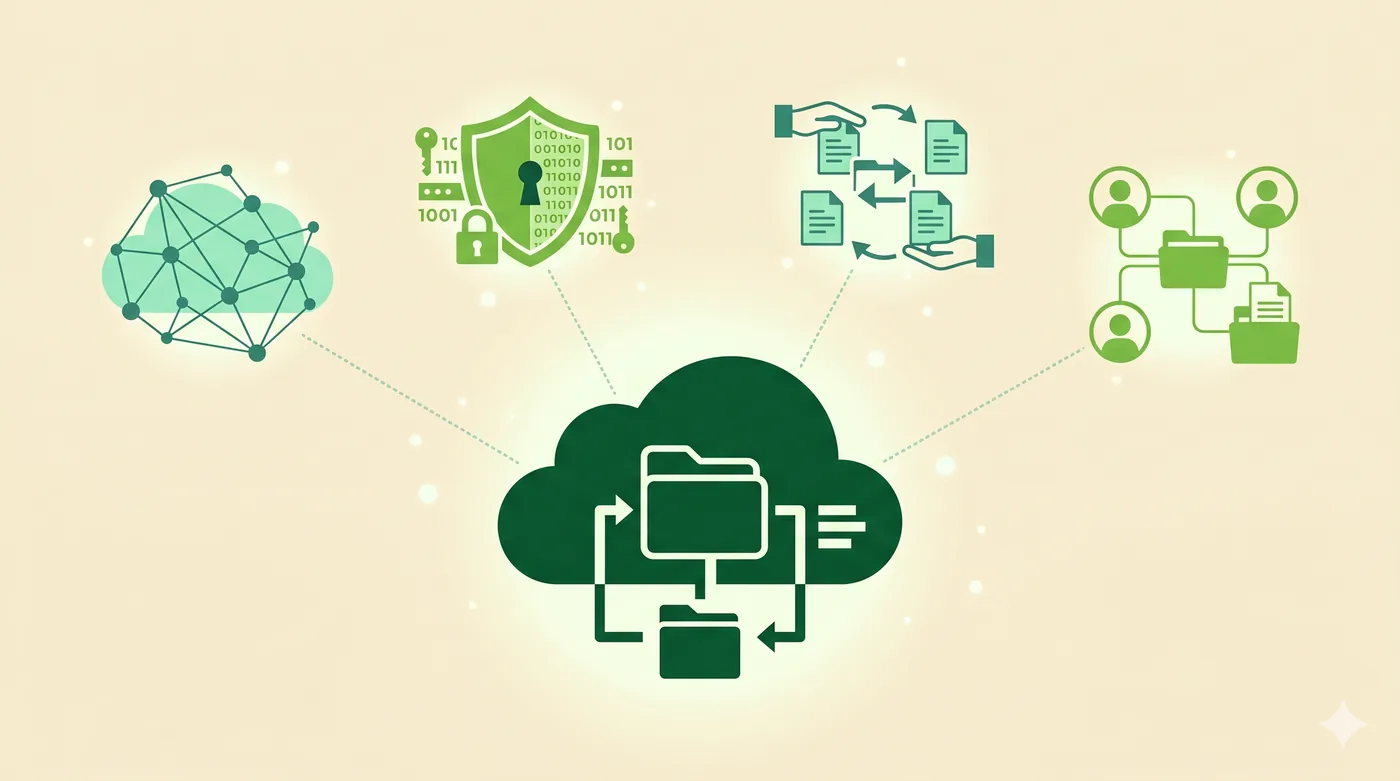
Google Drive is convenient and free up to 15 GB, but tied to a single ecosystem and not end-to-end-encrypted by default. Alternatives differ on encryption, jurisdiction, and price-per-TB.
OneDrive (Microsoft)
Best for Microsoft 365 users
Bundled with Microsoft 365 family and business plans. Tight integration with Office.
Pros
- 1 TB included with M365
- Personal Vault for sensitive files
- Solid cross-platform
Cons
- Not end-to-end-encrypted by default
- Tied to Microsoft ecosystem
Best for: Existing Microsoft 365 subscribers.
Dropbox
Best for sharing-heavy use
Originally the cloud-storage default, still excellent at sync and external sharing.
Pros
- Reliable sync engine
- Good external-share controls
- Wide third-party integrations
Cons
- Pricier per GB than competitors
- Free tier capped at 2 GB
Best for: Teams that share large files with external collaborators.
iCloud Drive
Best for Apple users
Bundled with Apple devices; Advanced Data Protection makes most data E2EE.
Pros
- Built into Apple ecosystem
- Optional E2EE for almost everything
- 5 GB free
Cons
- Apple-only practically
- Web UI weaker than competitors
Best for: Apple-only households.
Proton Drive
Best privacy-focused option
End-to-end encrypted by default, from the Proton suite.
Pros
- E2EE for files and metadata
- Swiss jurisdiction
- Strong overall privacy stance
Cons
- Smaller free tier
- Slower than non-E2EE alternatives for large files
Best for: Privacy-first individuals and small teams.
Sync.com
Best zero-knowledge for general use
Canadian provider with strong zero-knowledge model and reasonable pricing.
Pros
- Zero-knowledge encryption
- Generous paid tier sizes
- Familiar Dropbox-style UX
Cons
- Smaller third-party integration ecosystem
- Free tier limited
Best for: Users who want E2EE without giving up a familiar workflow.
 Sentrly