 Sentrly
Two-Factor Authentication: A Beginner’s Guide
The single most effective security upgrade most people can make in five minutes.
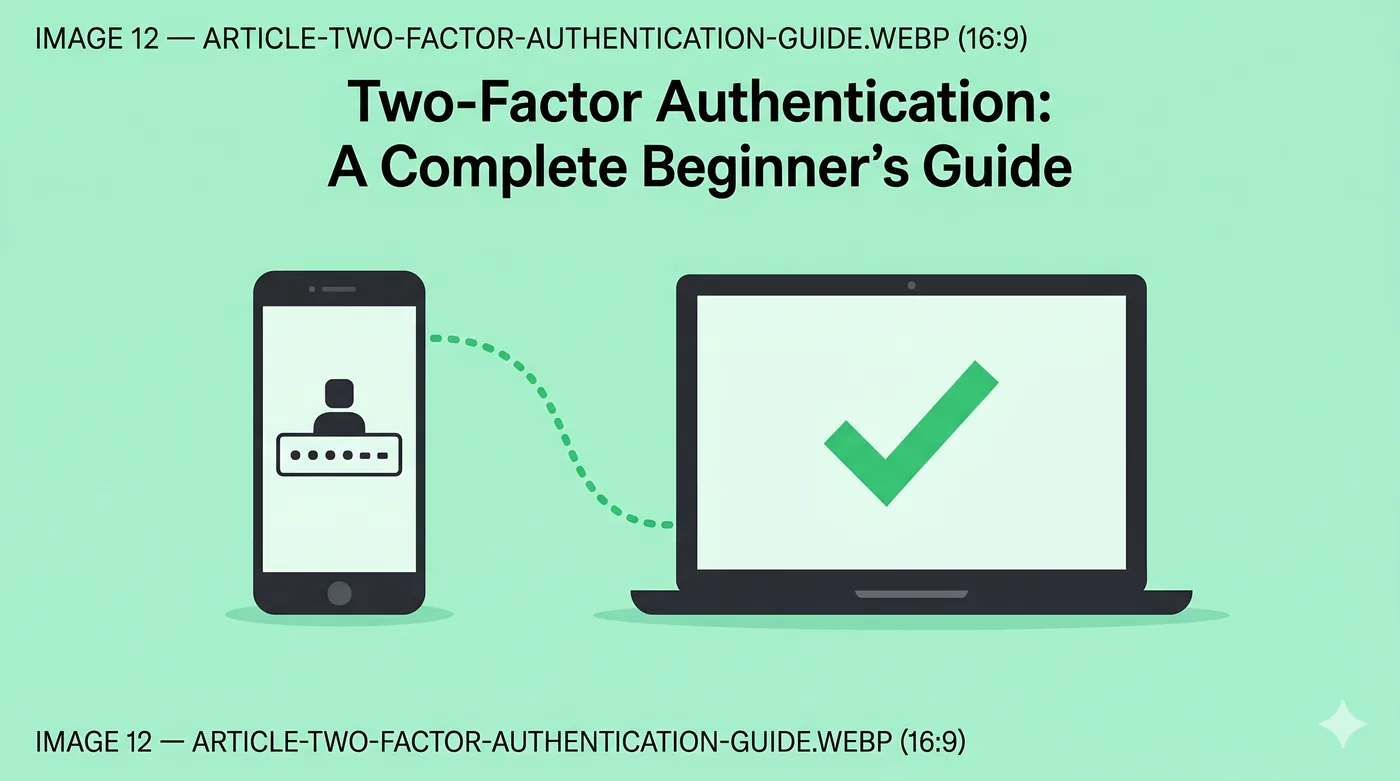
Two-factor authentication (2FA) is a login that requires both your password and a second proof you control — usually a code from an app, a hardware key, or a biometric. It blocks the vast majority of password-leak attacks.
Key takeaways
- 2FA blocks attackers even if your password leaks.
- Authenticator apps are safer than SMS codes.
- Hardware keys (FIDO2) are the strongest mainstream option.
- Save backup codes somewhere you can find them without your phone.
Why passwords alone are no longer enough
Password databases leak constantly. If you reuse a password — or even use a slight variant — attackers can plug it into other sites and take over those accounts. 2FA adds something the attacker cannot get from a leaked database.
The three flavours of 2FA
SMS codes are better than nothing but vulnerable to SIM-swap attacks. Authenticator apps (Google Authenticator, Aegis, 1Password) generate codes locally on your phone. Hardware keys (YubiKey, Google Titan) are physical devices that prove possession — the gold standard.
Setting it up without losing access
When you turn on 2FA, the service shows you a list of one-time backup codes. Save them in a password manager or print them and put them somewhere safe. If you lose your phone without backup codes, you may lose the account.
Where to enable 2FA first
Email account, password manager, banking, primary cloud storage, social media. Email is the most important — recovery for almost everything else flows through it.
Frequently asked questions
Is SMS 2FA still safe?
Better than no 2FA, but app or hardware-based options are stronger and recommended.
What if I lose my phone?
Use the backup codes you saved when enabling 2FA, or use the service’s recovery process.
Can 2FA be hacked?
Phishing kits sometimes capture 2FA codes in real time. Hardware keys with FIDO2 resist this.
Related guides
Phishing Attacks: How to Spot and Avoid Them in 2026
The single most common way ordinary people lose money online — and how to recognise it.
Read article →Password Manager Best Practices in 2026
Choose, set up, and live with a password manager without locking yourself out.
Read article →Ransomware Protection for Home Users: A Practical Guide
Backups, updates, and a few simple habits that prevent the worst day of your digital life.
Read article →