 Sentrly
10 Common VPN Myths, Debunked
Marketing copy makes VPNs sound magical. Reality is more useful — and more honest.
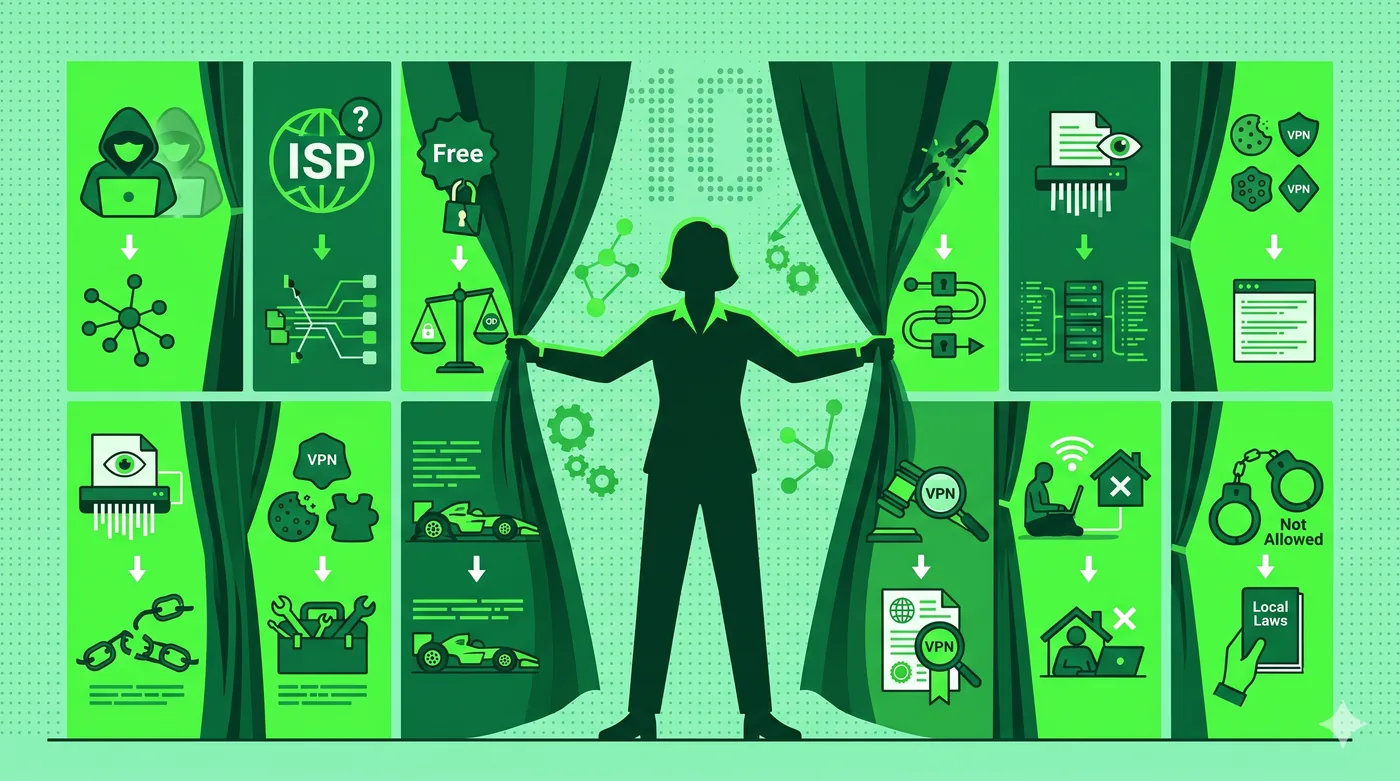
VPNs are useful privacy tools, but they don’t make you anonymous, don’t protect against phishing or malware, and don’t guarantee faster internet. They encrypt traffic between your device and a server you trust — that’s the core promise.
Key takeaways
- ‘Anonymous’ is a stretch — your VPN provider still sees your traffic.
- VPNs don’t replace antivirus or password managers.
- Faster internet with a VPN is rare; equal-speed is the realistic best case.
- A VPN won’t hide you from sites you’re logged into.
Myth 1: VPNs make you anonymous
They make you less identifiable to the network you’re on and to the websites you visit, but your provider still sees your traffic. ‘Less trackable’ is honest; ‘anonymous’ is not.
Myth 2: VPNs protect you from viruses
They encrypt traffic; they don’t scan files. Use a VPN alongside reputable antivirus and OS updates.
Myth 3: VPNs always slow your internet
Modern protocols on a nearby server add a small, often unnoticeable, slowdown. Long-distance servers are a different story.
Myth 4: All VPNs are the same
The encryption is similar across reputable providers. The difference is in audits, jurisdiction, logging policy, ownership transparency, and customer support.
Myth 5: Free VPNs are fine for occasional use
Many free VPNs sell traffic data, inject ads, or have weak security. Treat free VPNs with the same skepticism as free antivirus from unknown publishers.
Myth 6: A VPN hides everything you do
Cookies, logged-in sessions, and browser fingerprints still identify you to websites. A VPN is one layer of privacy, not the whole stack.
Frequently asked questions
If a VPN doesn’t make me anonymous, is it worth it?
Yes — useful tools rarely solve everything. A VPN reliably protects traffic on untrusted networks and reduces casual tracking, which is plenty of value.
Why do VPN ads promise so much?
Affiliate marketing rewards bold claims. Audited providers tend to advertise less aggressively.
What should I add alongside a VPN?
A password manager, two-factor authentication on important accounts, and an updated browser cover most everyday risks.
Related guides
VPN for Public Wi-Fi Safety: A Complete 2026 Guide
How a VPN protects you on coffee-shop, airport, and hotel Wi-Fi — and where it doesn’t help.
Read article →How VPN Encryption Works: A Beginner-Friendly Explainer
What ‘AES-256’, ‘WireGuard’, and ‘perfect forward secrecy’ actually mean.
Read article →VPN vs Proxy: The Real Differences (And When to Use Each)
Both hide your IP address. Only one encrypts your traffic. Here’s how to choose.
Read article →