 Sentrly
Browser Privacy Settings: A Quick Tune-Up
Ten minutes in your browser settings cuts the majority of casual tracking.
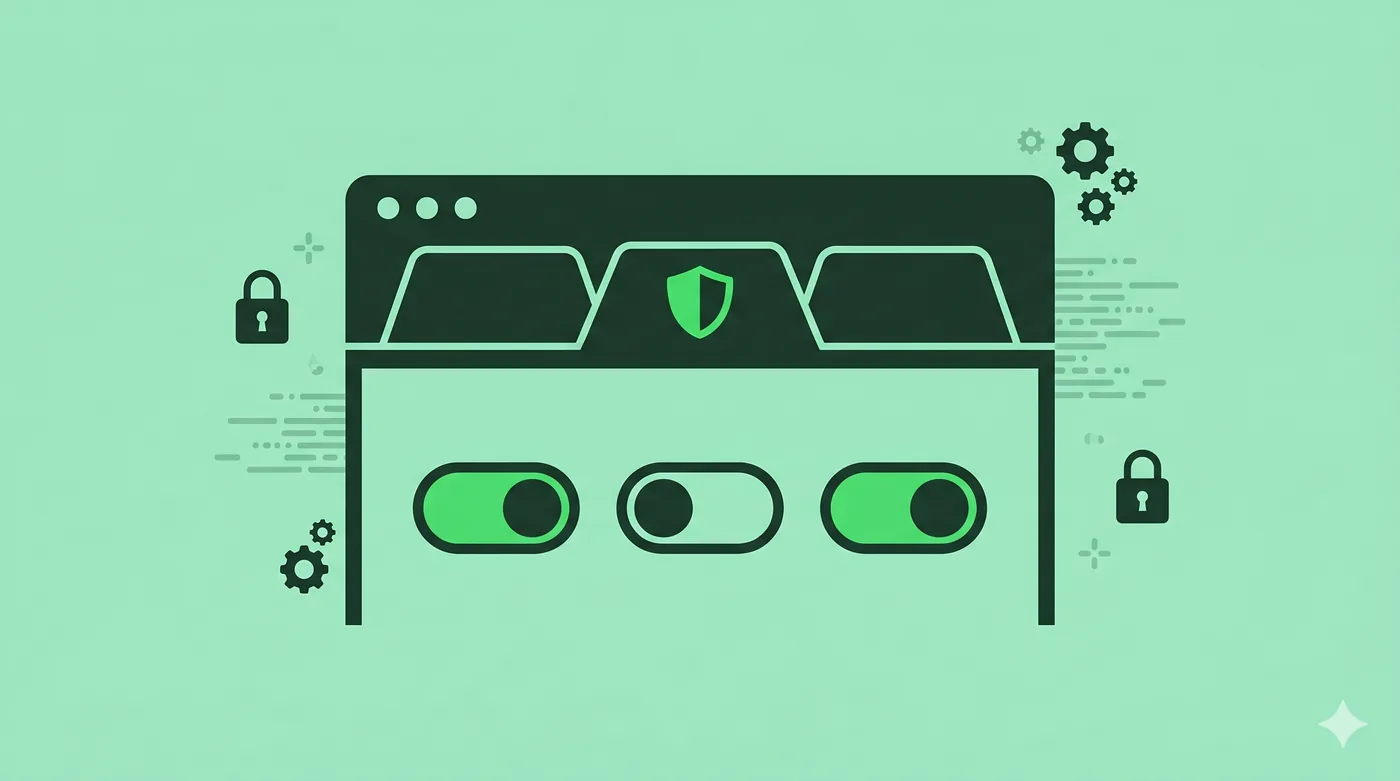
To improve browser privacy, set your default search engine to a privacy-respecting one, block third-party cookies, enable Do Not Track, install one trusted ad/tracker blocker, and review extension permissions. Use a separate browser profile for logged-in sessions.
Key takeaways
- Block third-party cookies — most modern browsers can.
- One reputable content blocker is enough; more isn’t better.
- Separate browser profiles compartmentalise tracking.
- Review extension permissions every few months.
Cookies and tracking
First-party cookies keep you logged in; third-party cookies follow you between sites. Block third-party cookies and the bulk of cross-site tracking goes away. Most browsers now do this by default.
Search engine
Switching from a tracking search engine to a privacy-respecting one is a one-click change with outsized impact. DuckDuckGo, Startpage, and Brave Search are the common options.
Content blockers
uBlock Origin and similar blockers stop trackers, ads, and known malicious scripts. Install only one; multiple blockers conflict and can break sites without making you safer.
Profiles for compartmentalisation
Use one browser profile for shopping and social media (where you’re logged in) and another for general browsing (where you’re not). Cookies don’t cross profiles.
Permissions to audit
Camera, microphone, location, notifications, clipboard. Revoke any you don’t actively use, and uninstall extensions you don’t recognise.
Frequently asked questions
Is incognito mode private?
Only locally — it doesn’t save history on your device. Websites, your employer, and your ISP can still see traffic.
Should I use a privacy-focused browser?
Brave, Firefox, and LibreWolf all offer better defaults than Chrome out of the box.
What about fingerprinting?
Fingerprinting bypasses cookies. Browsers like Brave and Firefox include some defences; full protection requires Tor.
Related guides
Encrypted Messaging Apps Compared (Without the Drama)
Signal, WhatsApp, iMessage, Telegram — what they actually encrypt, and from whom.
Read article →Cookies, Trackers, and Fingerprinting Explained
Three different ways the web identifies you — and why blocking only one isn’t enough.
Read article →DNS Privacy Explained: DoH, DoT, and Why They Matter
Every website you visit starts with a DNS lookup. By default, that lookup is unencrypted.
Read article →