 Sentrly
Cookies, Trackers, and Fingerprinting Explained
Three different ways the web identifies you — and why blocking only one isn’t enough.
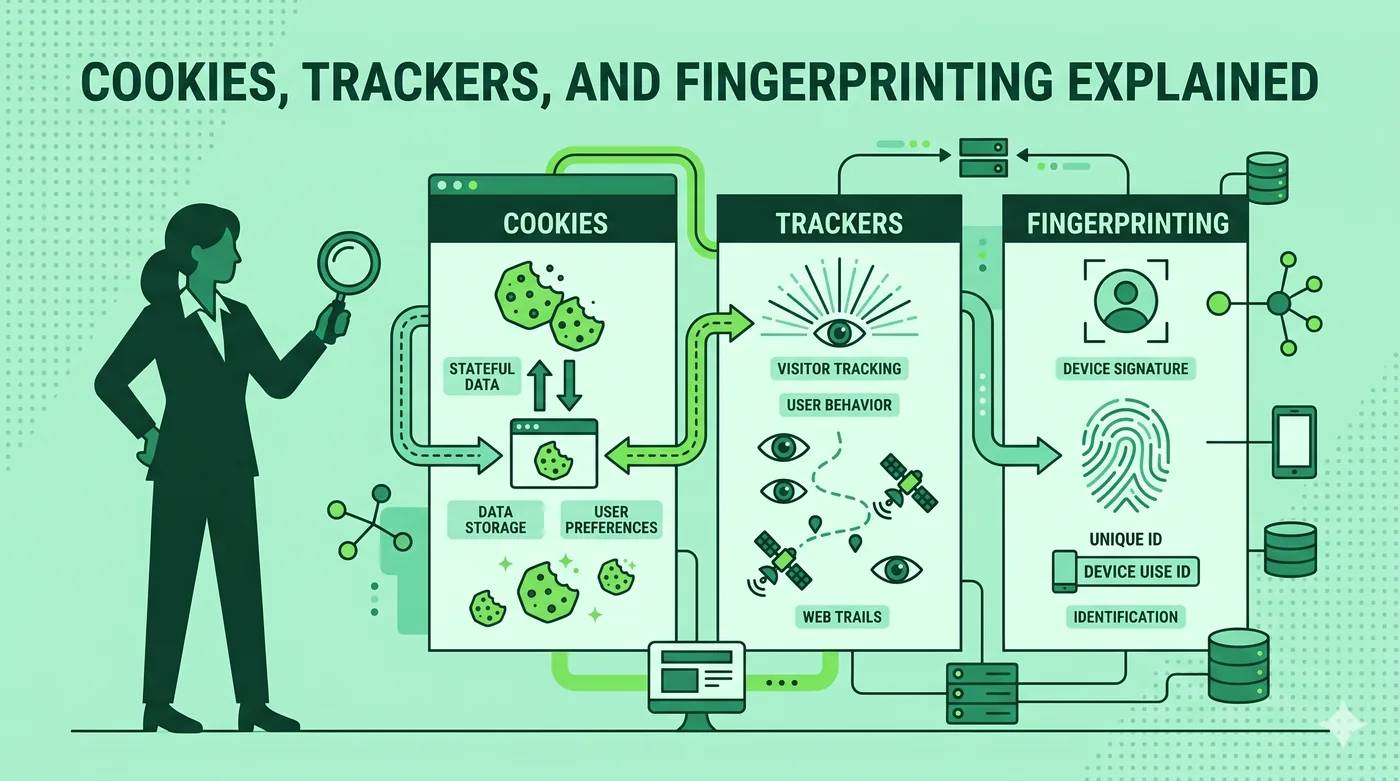
Cookies are small files websites store on your device to remember you. Trackers are scripts from third-party companies that follow you across sites. Fingerprinting builds a unique profile from your device’s characteristics — no cookies needed. Strong privacy means defending against all three.
Key takeaways
- Cookies are visible and easy to clear; fingerprints are not.
- Most ‘ad targeting’ today combines cookies, tracker scripts, and fingerprinting.
- Browser fingerprinting can identify you from screen size, fonts, and time zone.
- Tor is currently the strongest practical defence against fingerprinting.
Cookies, plainly
A cookie is a small piece of text a website asks your browser to store. Next time you visit, the browser sends it back. That’s how a site remembers you’re logged in. Useful — until third parties started using cookies to follow people across the web.
Trackers
When you load a news article, your browser may also load scripts from a dozen ad and analytics companies. Each one can read its own cookies and report what you read. Trackers are why two completely different sites seem to ‘know’ what you searched for elsewhere.
Fingerprinting
Even with no cookies, your browser tells every site your operating system, language, screen size, fonts installed, time zone, audio hardware quirks, and dozens of other details. Combined, these produce a near-unique fingerprint. Fingerprinting is harder for users to detect or block.
What helps
Block third-party cookies. Use a tracker-blocking extension. Pick a browser that randomises fingerprinting surfaces (Brave, recent Firefox). For maximum protection, use the Tor Browser, which is engineered to make all users look identical.
Frequently asked questions
Are cookie banners helping anyone?
Mostly they create friction without changing tracking. Browser-level controls are more effective.
Can I really be uniquely identified by my browser?
Studies show 80–90% of browsers are unique on common test sites. The signal is real.
Does private/incognito mode block fingerprinting?
No — incognito only forgets cookies and history locally. Fingerprinting still works.
Related guides
Encrypted Messaging Apps Compared (Without the Drama)
Signal, WhatsApp, iMessage, Telegram — what they actually encrypt, and from whom.
Read article →Browser Privacy Settings: A Quick Tune-Up Guide
Ten minutes in your browser settings cuts the majority of casual tracking.
Read article →DNS Privacy Explained: DoH, DoT, and Why They Matter
Every website you visit starts with a DNS lookup. By default, that lookup is unencrypted.
Read article →