 Sentrly
Kids' online privacy: a parent's 2026 guide
The FTC's amended COPPA rules took effect April 22, 2026. Here's what changed, what your kid's apps must do now, and what you can actually control as a parent.
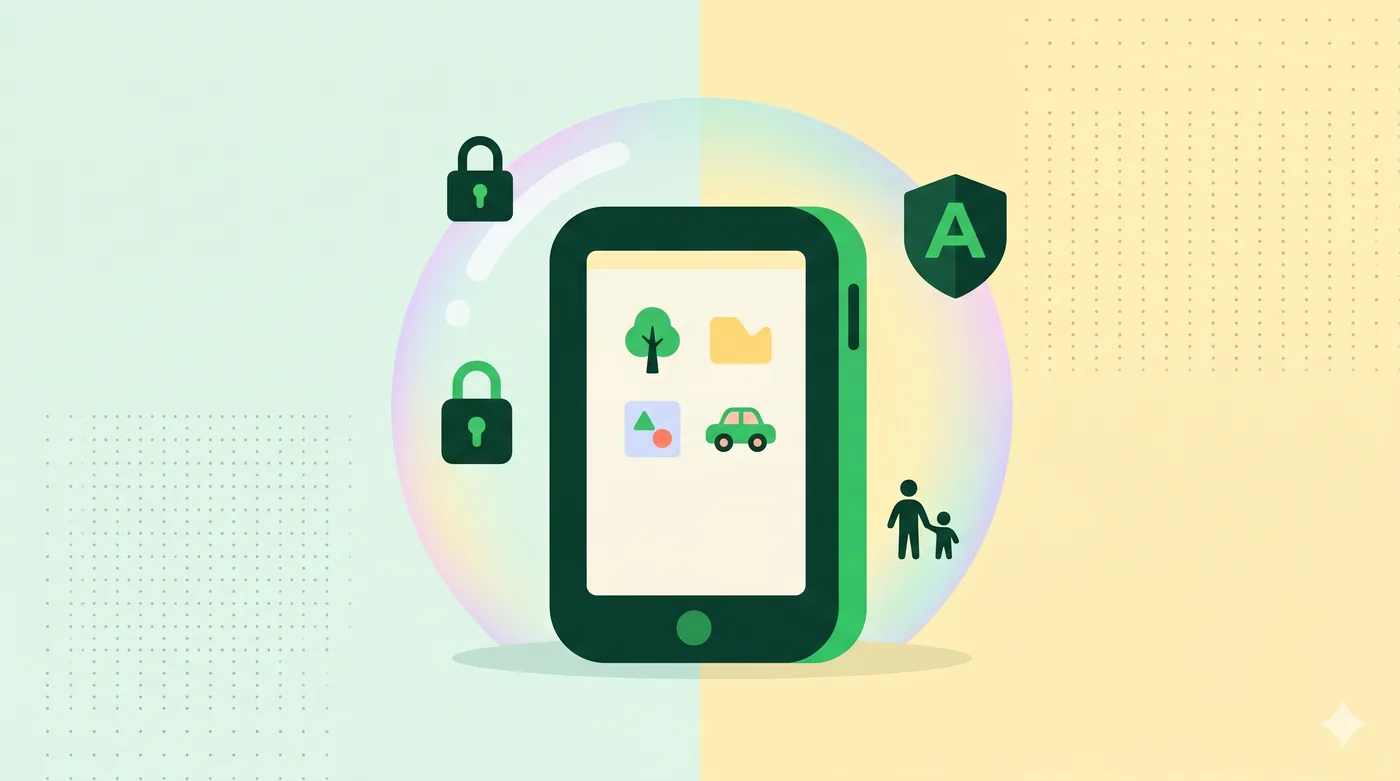
The amended COPPA rules — effective April 22, 2026 — expand what counts as a child's personal information (now including biometric identifiers like voiceprints and facial templates), require operators to obtain separate parental consent before sharing a child's data with third parties for advertising, and limit how long that data can be retained. As a parent, the practical action items are: turn on the parental controls in any app your child uses, decline 'personalized advertising' consent prompts, audit which third parties your child's apps share data with, and use a kid-mode browser or DNS filter at the network level.
Key takeaways
- Amended COPPA took effect April 22, 2026 — the FTC will enforce on operators of websites and online services targeting children under 13.
- 'Personal information' now explicitly includes biometric identifiers: fingerprints, voiceprints, facial templates, and similar.
- Operators must now obtain SEPARATE parental consent before disclosing a child's data to third parties for advertising — this is opt-in, not opt-out.
- Data retention is limited: operators can keep a child's data only as long as needed for the specific purpose collected, then must delete.
- Operators must publish written information-security programs and data-retention policies.
What COPPA is and what changed
COPPA — the Children's Online Privacy Protection Act — has governed how U.S. websites collect data from children under 13 since 2000. The FTC last meaningfully updated the implementing rule in 2013, when smartphones were younger and AI was a research curiosity. The 2025 amendments, finalized in April 2025 and enforced from April 22, 2026, modernize the rule for biometrics, AI, and the modern advertising ecosystem.
The headline changes: an expanded definition of personal information, separate parental consent for third-party sharing, mandatory written security programs, and explicit data retention limits.
The expanded definition of 'personal information'
The amended rule explicitly adds biometric identifiers: fingerprints, voiceprints, retina or iris scans, facial templates, gait patterns, and other unique biological or behavioural characteristics that can be used to identify or recognize an individual.
It also clarifies that 'persistent identifiers' (cookies, mobile advertising IDs, IP addresses used to track behaviour over time) are personal information when used to track a child across services.
Audio files containing a child's voice are explicitly called out — operators must disclose collection and use of such recordings, including in voice-controlled toys and AI assistants.
Separate parental consent for third-party sharing
This is the change with the most practical impact for parents. Under the old rule, a single parental consent could authorize both the operator's collection of data and the operator's sharing with advertising partners.
Under the amended rule, the operator must obtain SEPARATE verifiable parental consent before disclosing a child's information to third parties, unless that disclosure is integral to providing the service. Targeted advertising, in particular, is not 'integral' — so operators must specifically ask, and parents can refuse without losing access to the service.
When you see consent prompts on your child's apps in 2026, look for the second checkbox. The first checkbox typically authorizes core service operation. The second authorizes data sharing for advertising. Decline the second unless you have a specific reason to accept it.
Data retention and security
Operators must publish a written data-retention policy describing exactly what data is kept, why, and for how long. Data must be deleted when the original purpose is fulfilled.
Operators must establish a written information-security program with specific safeguards. The program itself must be publicly available — meaning you can read your kid's app's security policy and make a judgement.
If a service collects voice recordings, video, or facial templates and doesn't have a clear, public retention policy in 2026, treat that as a red flag and avoid the service.
What you can actually control as a parent
At the device level: enable parental controls. iOS Screen Time, Android's Family Link, and Windows Family Safety all let you limit app installs, set screen-time limits, restrict in-app purchases, and approve new contacts. None is perfect; together they're meaningfully effective.
At the network level: use a DNS-based filter. NextDNS, Cloudflare Family (1.1.1.3), and OpenDNS Family Shield all block known adult, malware, and gambling domains at the DNS level — covering every device on your home Wi-Fi without per-device configuration.
At the account level: every Google, Microsoft, and Apple account can be set up as a child account under a family plan. This is the most reliable layer because it survives device changes.
At the app level: read the prompts. The new COPPA rules require operators to ask separately for advertising consent — declining that prompt is a real, enforced control, not theatre.
What about TikTok, YouTube, and Roblox?
Most major platforms run dedicated 'kids' versions: YouTube Kids, TikTok's restricted-mode, Roblox's age-verified accounts. These are not perfect — content moderation at scale is genuinely hard — but they apply meaningfully different rules than the adult versions.
If your child is on the adult version of a platform, the platform either doesn't know they're under 13 (because they lied about their age at signup, which is common) or is treating them as an adult user. In neither case is COPPA protection active.
FTC enforcement in 2024–2026 has targeted operators that 'knew or should have known' they had child users. Bring your child's accounts onto the kid versions where available.
What COPPA does not cover
Children 13 and over. COPPA stops at 13. Several U.S. states have their own laws covering teens (California's Age-Appropriate Design Code, Connecticut's amendments, Utah's social-media law), but the federal protection drops at the 13th birthday.
Non-U.S. companies serving non-U.S. children. COPPA applies to U.S. operators or to non-U.S. operators serving U.S. children. EU children are covered by the GDPR's separate child-protection provisions; UK children by the UK GDPR and Age-Appropriate Design Code.
Schools using ed-tech under teacher consent. School use of ed-tech often relies on a 'school authorization' model rather than direct parental consent. The 2026 amendments clarify but do not eliminate this carve-out — read your district's data-sharing disclosures.
Frequently asked questions
Does COPPA protect my 14-year-old?
No, COPPA stops at 13. State laws (California, Connecticut, Utah, others) cover teens to varying degrees. Federally, teens have weaker statutory protections than children under 13.
What should I do when an app asks for biometric data from my child?
Decline unless there's a clear, specific reason. Voice-controlled toys, facial-recognition login, fingerprint-unlocked tablets — under the new rules, the operator must explicitly disclose collection and storage. If the disclosure is vague, walk away.
How do I know if my child's app is COPPA-compliant?
Look for a clearly-linked privacy policy describing children's data, a parental-consent flow at signup, and a published data-retention policy. The FTC publishes a list of approved Safe Harbor programs (kidSAFE, PRIVO, ESRB) — apps participating in those programs have been audited.
Can my child consent on their own behalf?
Under COPPA, no — the law requires VERIFIABLE PARENTAL consent for children under 13. Apps that say 'I am over 13' on signup and rely on the user's word are technically not COPPA-compliant if they actually have child users.
What's the best one-thing-to-do for parents?
Set up your child's primary account (Google, Apple, or Microsoft) as a child account under your family plan. That single setup applies COPPA protections, parental approval for app installs, and screen-time limits across all the device's apps in one place.
Related guides
Encrypted Messaging Apps Compared (Without the Drama)
Signal, WhatsApp, iMessage, Telegram — what they actually encrypt, and from whom.
Read article →Browser Privacy Settings: A Quick Tune-Up Guide
Ten minutes in your browser settings cuts the majority of casual tracking.
Read article →Cookies, Trackers, and Fingerprinting Explained
Three different ways the web identifies you — and why blocking only one isn’t enough.
Read article →