 Sentrly
Canva vs Adobe Express
Two template-driven design tools competing for the non-designer.
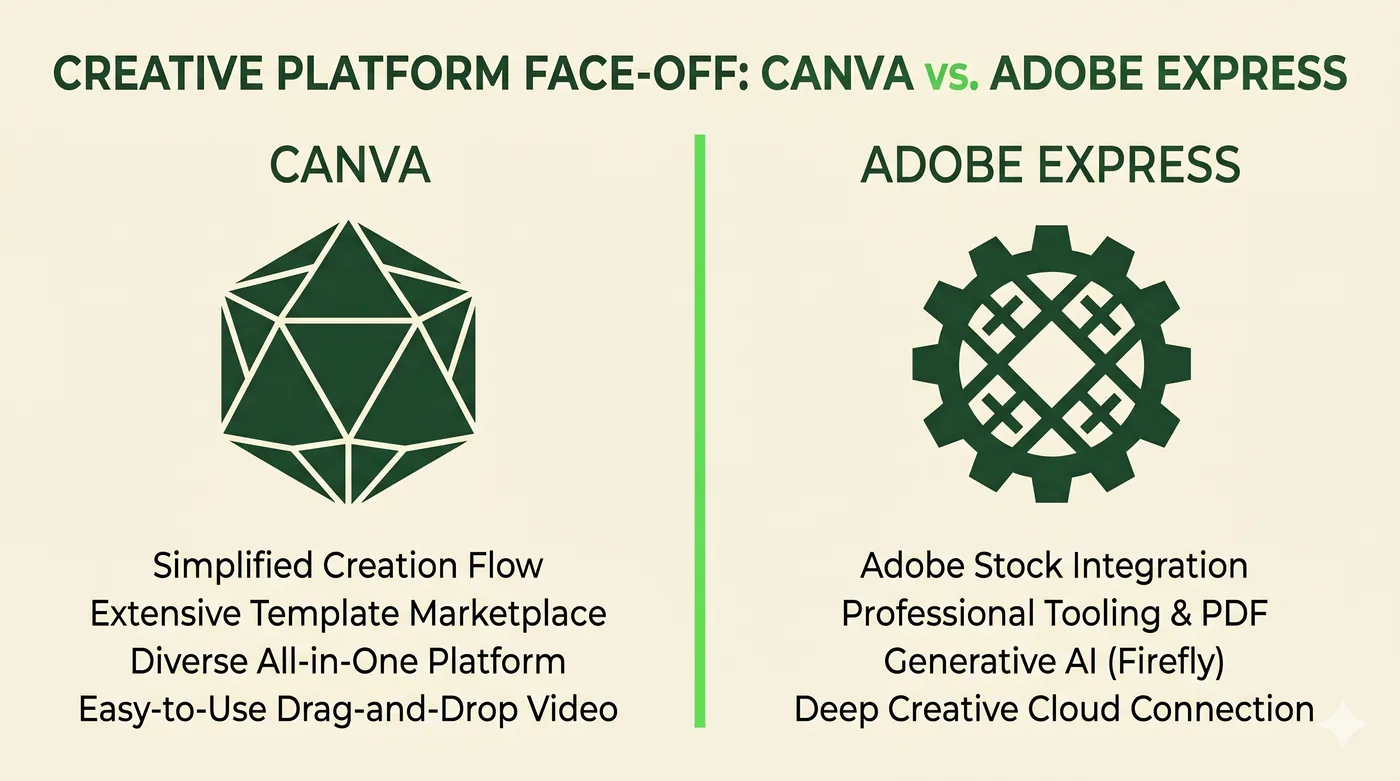
Canva is the default if you want the largest template library and a forgiving UX. Adobe Express is better if you already pay for Creative Cloud or plan to grow into Photoshop/Illustrator.
Canva popularized template-driven design; Adobe Express is Adobe's competitor product. Both serve people who need polished output without learning a full design app. Features change frequently — check the current state on each site.
| Canva | Adobe Express | |
|---|---|---|
| Template library | Largest | Smaller but quality |
| Free tier | Generous | Functional |
| Stock assets | Built-in (paid for premium) | Adobe Stock integration |
| Brand kit features | Strong on paid plans | Strong, especially for teams |
| Path to pro tools | None | Photoshop / Illustrator / Premiere if you upgrade |
| Best for | Solo creators, social posts, decks | Adobe ecosystem users, small marketing teams |
Frequently asked questions
Can I move designs between them?
Not directly. You can export to PDF/PNG and re-import, but editable structure doesn't transfer.
Which is cheaper?
Canva is cheaper for solo users on its Pro tier; Adobe Express is bundled with Creative Cloud, which has wider value if you'd use other apps.
Other comparisons
VPN vs Proxy vs Tor
Three tools people lump together — what each one actually does, and when to reach for which.
Compare2FA Methods Compared
SMS, email, TOTP, push and hardware keys — security, convenience and recovery.
ComparePassword Manager Categories
Browser built-in, cloud-synced, local-only, and self-hosted — strengths and trade-offs.
CompareEncrypted Messengers Compared
Default end-to-end encryption, metadata, multi-device, and account requirements.
CompareVPN vs Proxy
Two tools commonly confused — picking the right one starts with knowing what each guarantees.
CompareHTTP Proxy vs SOCKS5 Proxy
Web-only convenience versus protocol-agnostic flexibility — which to use, and when.
CompareResidential Proxy vs Datacenter Proxy
Same idea, very different IPs — and very different prices and detection profiles.
CompareGoogle Drive vs OneDrive
Two consumer cloud services whose strengths track the suite around them.
CompareDropbox vs Google Drive
Sync engine and sharing versus integrated suite — different strengths.
CompareWordPress vs Wix
Open-source flexibility versus all-in-one hosted simplicity.
CompareFramer vs Webflow
Two visual builders aimed at design-led teams — different sweet spots.
CompareChatGPT vs Gemini
Two of the most-used AI assistants — different ecosystems, similar fundamentals.
CompareClaude vs ChatGPT
Two leading assistants with different defaults — and different strengths.
CompareNotion vs Google Docs
A flexible-blocks workspace versus a real-time word processor.
CompareShared Hosting vs VPS
Cheapest start versus a slice of a server with full control.
CompareCloud Hosting vs Shared Hosting
Elastic, pay-per-use compute versus fixed shared servers.