 Sentrly
Password Manager Categories
Browser built-in, cloud-synced, local-only, and self-hosted — strengths and trade-offs.
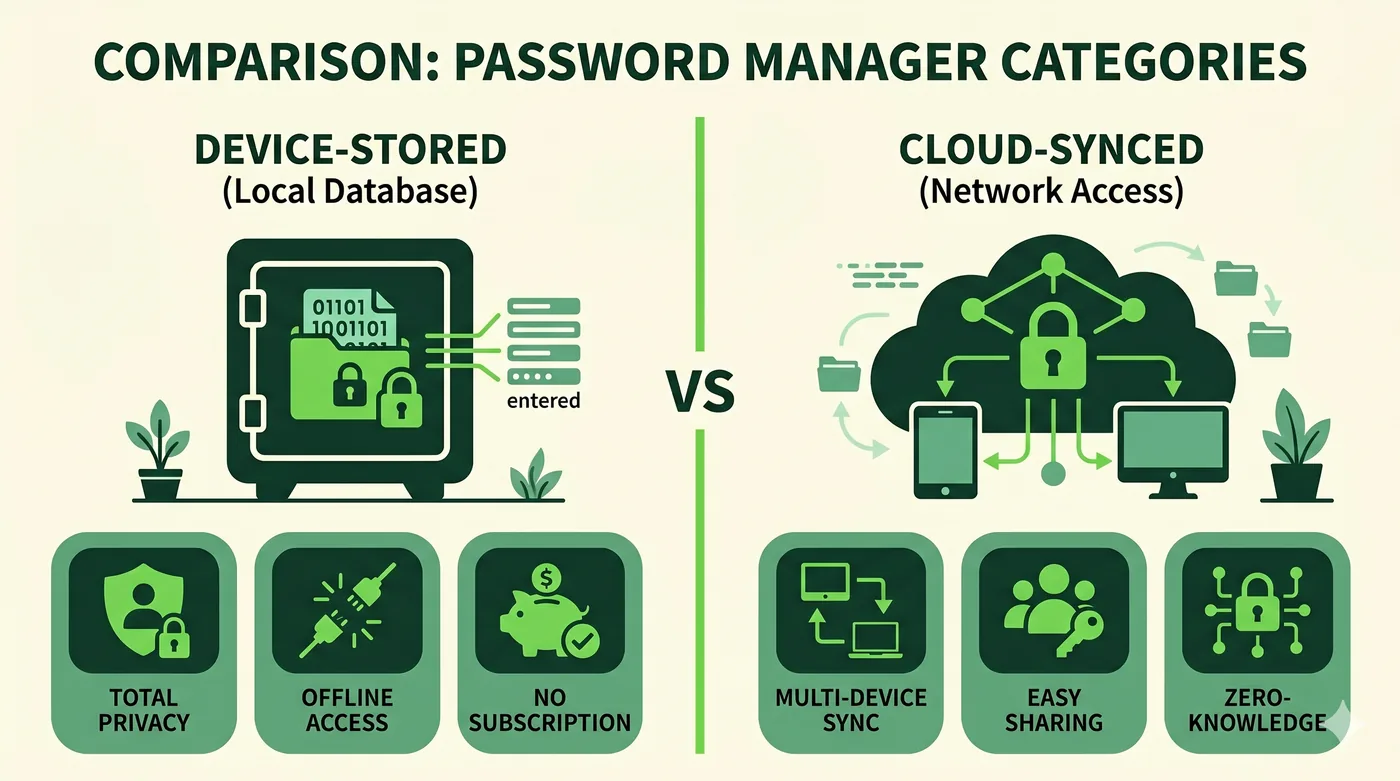
For most people, a reputable cloud-synced password manager with end-to-end encryption (zero-knowledge) is the right balance of security and usability. Browser-built-in is a fine starting point. Local-only or self-hosted is for advanced users with strong opinions.
We compare categories of password manager rather than specific products, because product details change. Pick the category that fits your threat model and convenience needs; any specific product within that category is a finer-grained decision.
| Browser built-in | Cloud-synced (zero-knowledge) | Local-only file (KeePass-style) | Self-hosted server | |
|---|---|---|---|---|
| End-to-end encryption | Partial — depends on browser/sync setup | Yes | Yes (file-level) | Yes (if configured) |
| Multi-device sync | Yes (within ecosystem) | Yes | Manual / via cloud drive | Yes (you operate it) |
| Cross-browser support | Limited | Yes | Yes | Yes |
| Sharing with family / team | Limited | Yes | Manual | Yes |
| Vendor risk if breached | Vault encrypted; recovery & infra depend on vendor | Vault encrypted; metadata may leak; pick reputable | No vendor — you carry the file | You are the vendor; depends on your ops |
| Recovery if you forget your master credential | Account recovery via vendor | Limited — usually none by design | None | Whatever you've configured |
| Effort to operate | Lowest | Low | Moderate (file management) | Highest |
| Best for | Casual users; better than nothing | Most personal and family use | Privacy-focused individuals comfortable with files | Teams with ops capability and policy needs |
Frequently asked questions
Aren't cloud password managers a single point of failure?
They're a high-value target, yes — which is why reputable ones are designed so the vendor cannot read your vault. The risk that matters is metadata, supply-chain attacks, and your own master-credential hygiene.
Is KeePass really a manager?
Yes. KeePass and its many compatible clients are a long-standing local-file approach. It's free and well-audited; the cost is in workflow.
What about my browser's built-in?
Use it if it's the only one you'll actually use. A real manager (cloud or local) gives you better cross-browser support, sharing and audit features.
Go deeper
Other comparisons
VPN vs Proxy vs Tor
Three tools people lump together — what each one actually does, and when to reach for which.
Compare2FA Methods Compared
SMS, email, TOTP, push and hardware keys — security, convenience and recovery.
CompareEncrypted Messengers Compared
Default end-to-end encryption, metadata, multi-device, and account requirements.
CompareVPN vs Proxy
Two tools commonly confused — picking the right one starts with knowing what each guarantees.
CompareHTTP Proxy vs SOCKS5 Proxy
Web-only convenience versus protocol-agnostic flexibility — which to use, and when.
CompareResidential Proxy vs Datacenter Proxy
Same idea, very different IPs — and very different prices and detection profiles.
CompareGoogle Drive vs OneDrive
Two consumer cloud services whose strengths track the suite around them.
CompareDropbox vs Google Drive
Sync engine and sharing versus integrated suite — different strengths.
CompareWordPress vs Wix
Open-source flexibility versus all-in-one hosted simplicity.
CompareFramer vs Webflow
Two visual builders aimed at design-led teams — different sweet spots.
CompareChatGPT vs Gemini
Two of the most-used AI assistants — different ecosystems, similar fundamentals.
CompareClaude vs ChatGPT
Two leading assistants with different defaults — and different strengths.
CompareCanva vs Adobe Express
Two template-driven design tools competing for the non-designer.
CompareNotion vs Google Docs
A flexible-blocks workspace versus a real-time word processor.
CompareShared Hosting vs VPS
Cheapest start versus a slice of a server with full control.
CompareCloud Hosting vs Shared Hosting
Elastic, pay-per-use compute versus fixed shared servers.